DMA 20 · Short-film production
Check a Rough Shot Before Cleanup
Can you tell when the fingertips touch the cup?
Analog. Thumbnail the moment that’s hard to read on paper. Circle what gets lost and sketch one change beside it. Optional thumbnail templates
Read the pose at contact
A rough shot lets you test whether an action reads before cleanup. Look for three things: a clear hand silhouette, fingertips that actually meet the cup, and a sound cue on the frame where they touch.
Both examples are paused at frame 85, where the animatic places the tap. Find one difference between them before opening Explore.
Try one fix at a time
Start by removing the busy background from Your Try. Then adjust the table height and move the character until the fingertips touch the cup on the cue frame. Step back one frame and check that they are still apart.
Before cleanup
- Check whether the hand and prop read at normal playback size.
- Find the first frame where the fingertips touch the prop.
- Check that the sound cue falls on that frame.
- Play the rough pass once and explain one change you would keep.
History · A pencil test before cleanup
The Academy Film Archive keeps pencil tests from the early work of Sally Cruikshank, who made Quasi at the Quackadero (1975). A pencil test plays rough drawings in order so you can fix movement before cleanup. Academy Film Archive · Sally Cruikshank collection
Compare the rough passes
Tap cue · Frame 85
Reference
Your Try
App quick guides
2Dope
Keep the storyboard nearby in  Story and use
 Draw or
 Timing to step through the rough reach. Check whether the hand reads at the contact frame.
Procreate Dreams
Keep the rough action and background on separate tracks where practical. Hide the background to check the silhouette, then compare the contact frame to the sound cue.
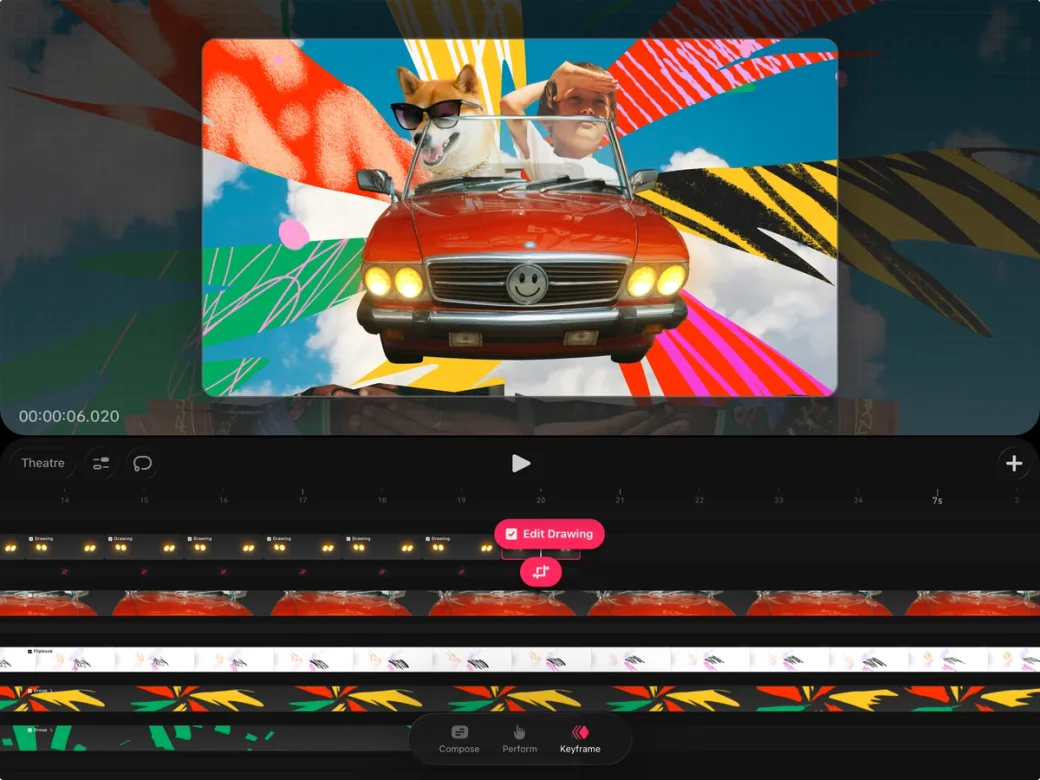 View full size
Blender Grease Pencil
Check the rough reach through the camera. Temporarily hide the background to check the silhouette, then use the timeline to compare the contact frame with the cue.
Try it in your project
- Rough. Compare the current rough with one change to the pose or background. Play both at speed and check whether the action reads.
- Finalize. Carry the clearer version into cleanup. Note the pose or background change you’re keeping.