DMA 20 · Short-film production
Missed class?
Start with what you have. Follow one lamp shot as it goes from a few loose sketches to a playable rough.
I have thumbnails
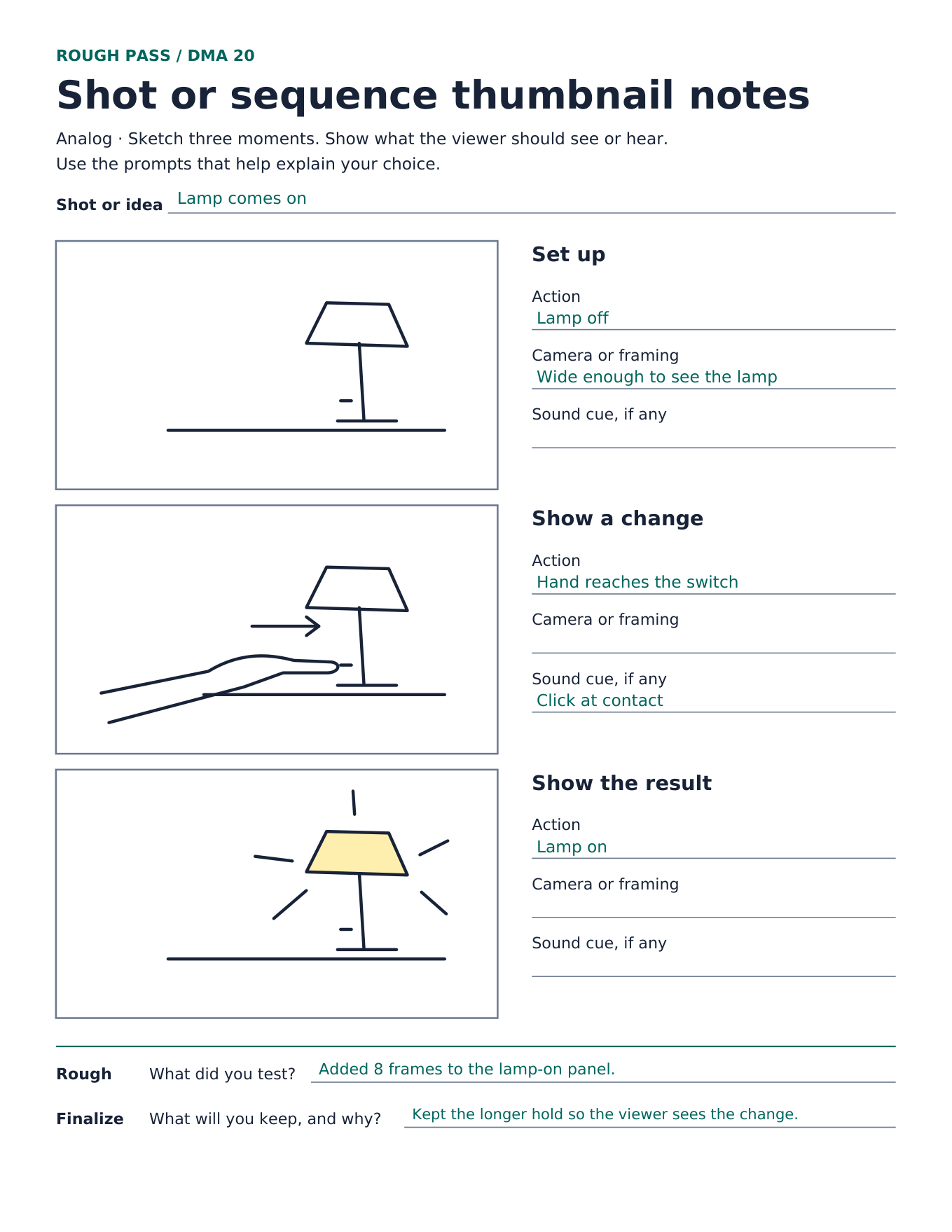
 Try it. Pick one action. Make three thumbnails that show the setup, the change, and the result. If you already have sketches, mark where the change happens.
 Check it. Can someone point to what changed by looking at the drawings in order? Keep the shapes loose until the action reads.
Paper and app options
Use paper or sketch on a layer in Procreate. In Inkflo, put one action note per panel in Script, then block in the three shapes in Layout. In 2Dope, use three panels in  Story.
Optional thumbnail templates · Drawing and storyboard manuals
I have a storyboard
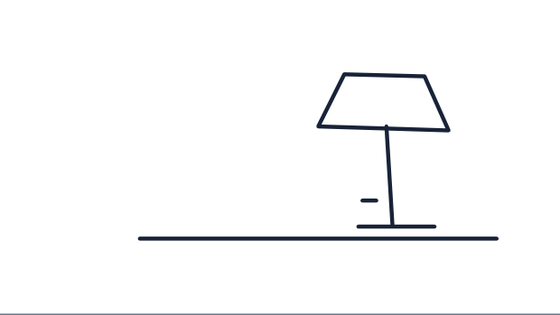 Setup
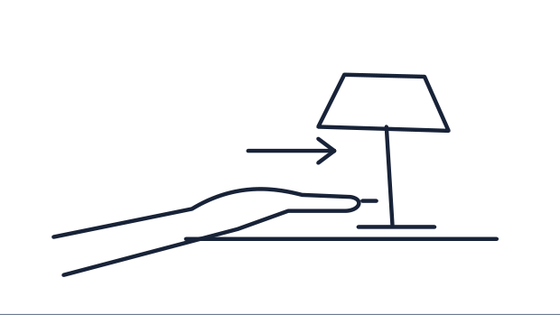 Reach
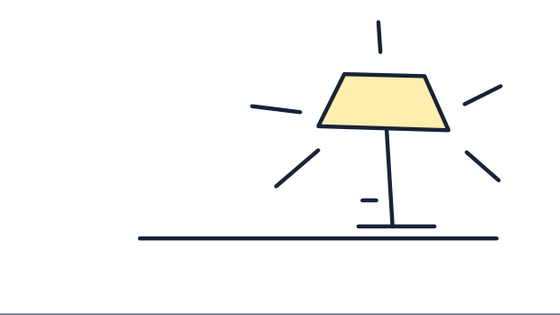 Lamp on
Where should the click go?
At the change from reach to lamp on. Write “Click at contact” at that transition, so the sound and light land together.
Try it. Mark the moment your viewer should notice. Add a short action note and, if the shot has sound, mark when the cue should land.
Check it. Can someone read the panels in order and point to the moment when the key action or sound should happen?
App options
In 2Dope Story, order the panels and write the cue beside the matching action. In Inkflo, keep the notes with the matching panels in Script. Carry the panel images into your timeline when you’re ready to time the board.
2Dope Story walkthrough · Inkflo manual links · Storyboard practice
I have an animatic
Read the shot transcript
The lamp stays off for the first second. A hand reaches toward the switch during the second. At 2 seconds the switch clicks, and the lamp stays lit through the end.
Try it. Play your shot at normal speed. Pause on the key change and compare it with the planned cue. If it’s a silent shot, check the length of the hold after the change.
Check it. Does the cue land on the action you intended, and can you register the result before the cut? Note one frame or hold you’d adjust.
App options
Use 2Dope  Timing to check the holds. In Procreate Dreams or Blender Grease Pencil, scrub to the change in the timeline and compare it with the cue.